Free during early access
Free repair shop software for your whole team
Repairs helper is free while it is in early access: every feature, every staff account and every location, with no credit card. This page sets out what that covers, what it does not, and what might still cost you money.
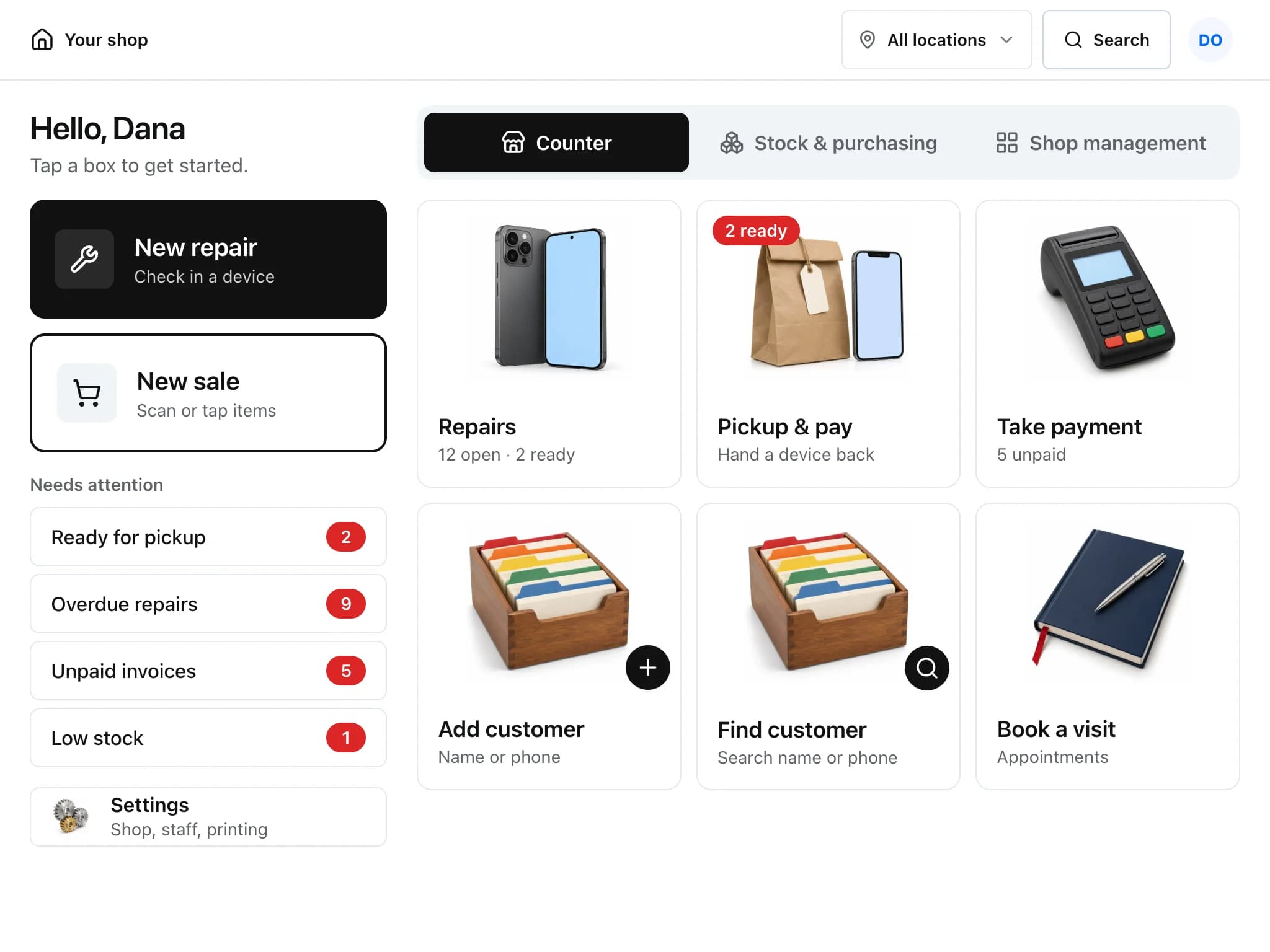
What you get for $0
- Repair tickets
- Check-in with signature, status steps, due times by priority, parts on order, time and photos. Repair tickets
- Estimates and invoices
- Estimates customers approve online, deposits, part payments, recurring invoices and statements. Estimates and invoices
- Point of sale
- Cash and card, Stripe Terminal or Square Terminal, any bank card machine, refunds, store credit and cash drawer counts. Point of sale
- Inventory
- Low-stock levels, serial numbers, vendors, purchase orders, barcode labels and spreadsheet import. Inventory
- Customer portal and check-in
- Password-free repair status, estimate approval and online payment, a walk-in check-in desk and a shop page. Customer portal
- AI assistant
- Ask about repairs, stock and sales, summarise tickets and draft replies, within daily per-shop limits. AI assistant
What can still cost money
- Card processing
- Stripe or Square charge their own rates when you take card payments through them. Repairs helper adds no fee, and you can keep your bank's card machine and record payments by hand.
- Text messages
- SMS goes through your own Twilio account, and Twilio bills you directly.
- Email sending
- Emails to customers go through the email provider set up for your shop, which may charge for sending.
- Website enquiries
- Sending enquiries from a Splitforms form to your Leads page needs a paid Splitforms plan.
Start in four steps
Create your shop
Sign up with your shop's name, your name, an email address and a password. Nothing asks for a credit card.
Add what you sell and fix
Set up your device boxes and problem types, and import products from a spreadsheet or add them one at a time.
Check in your first repair
Find or add the customer, pick the device and the problem, record the details and sign.
Invoice, take payment and hand over
Invoice from the ticket, take cash or card, and mark the repair picked up.
Questions about free
Is Repairs helper really free?
Yes, during early access. Signing up creates your shop and owner account, and there is no billing anywhere in the product right now.
What is the catch?
Repairs helper is in early access. Paid plans will come later and will be announced well before anything changes. Some features, such as card payments, texts and email, need a provider account that may charge its own fees.
Is there a limit on staff, locations or repairs?
There are no feature tiers and no per-seat charges during early access. AI features have daily per-shop limits (400 text, 200 voice and 100 photo requests a day).
What happens when early access ends?
Paid plans have not been announced. They will be announced well before anything changes, and your data stays exportable the whole time.
Can I take my data with me?
Owners can export customers, invoices, payments and report data to CSV at any time. A complete archive of every record is not available yet.
Keep reading
- PricingFree during early access, with no card required. What is included and what costs extra.
- Compared with other softwareRepairs helper next to other repair shop software, using each company's own published pricing and features.
- What is repair shop software?What it does, how it is priced and a checklist for choosing one.
Start while it is free
Create your shop in a few minutes. No credit card needed.
Free during early access · No credit card