Customer portal and check-in
A customer portal, check-in desk and shop page for your repair business
Most calls to a repair shop are some version of “is it ready yet?”. Repairs helper gives customers their own place to check, approve and pay, and gives walk-ins a way to check themselves in.
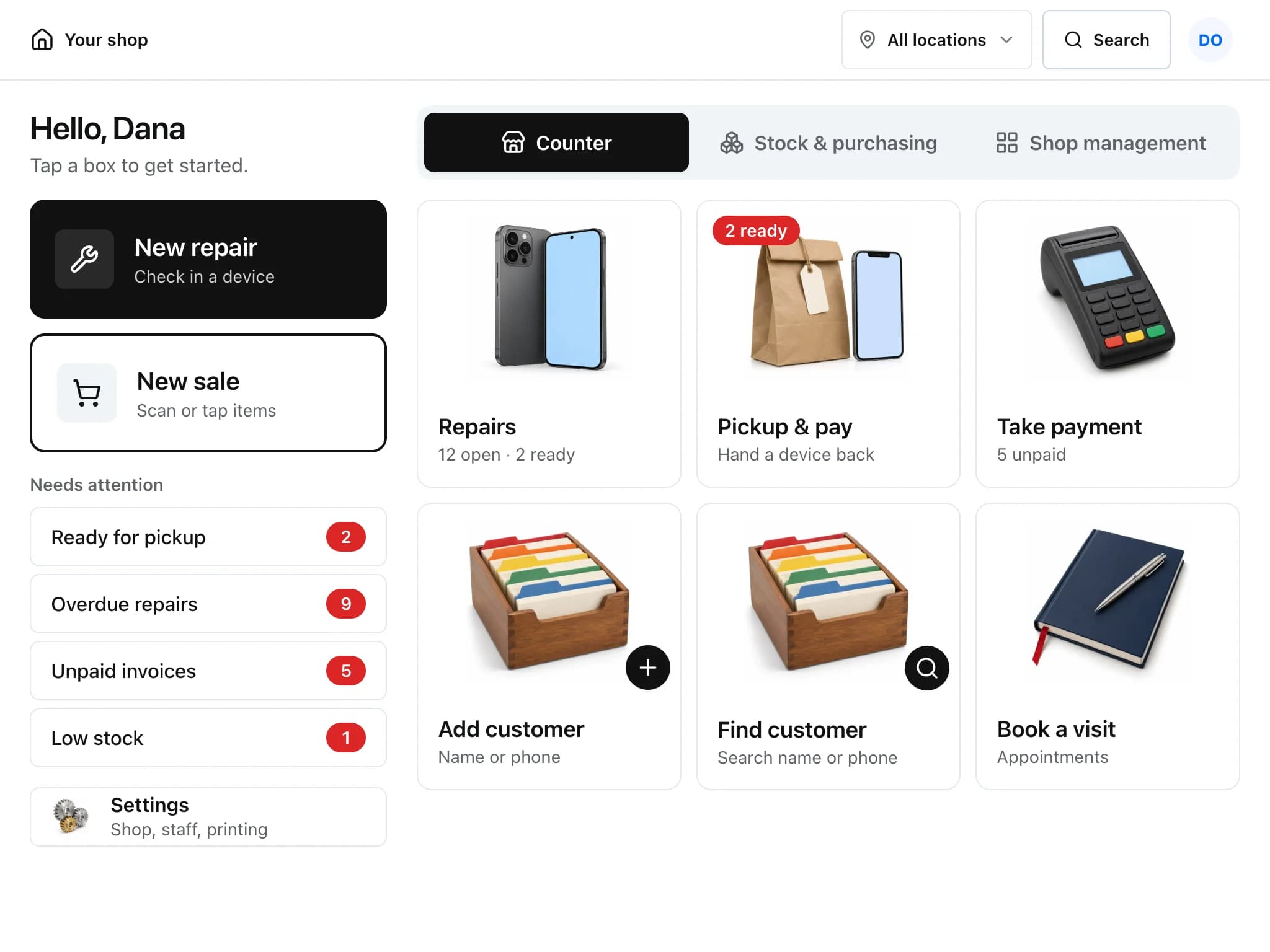
Four ways customers reach you
The shop page and the check-in desk stay off until the owner switches them on in Settings.
Your shop page
One link (/s/your-shop) with picture boxes for Check my repair, Book a visit, Get a price and Pay a bill. Put it on your website, Google listing or receipts.
Check-in desk
A public check-in form for your shop. Print the QR code for the counter, or run it on a tablet in kiosk mode, which clears itself after each customer.
Customer portal
Customers sign in with a link sent to them, with no password to remember, and see their repairs, estimates and invoices.
Your own website
Add one script tag and a button opens your shop page over your site. Website enquiries can also arrive as leads through Splitforms.
What customers can do without phoning
- Follow the repair
- See the status and the updates you mark as public on the ticket.
- Approve or decline estimates
- Read the lines, approve with an optional signature, or say no thanks. Your ticket shows the answer.
- Pay online
- Pay an invoice by card from the portal when Stripe or Square is connected.
- Ask for a new repair
- Start a new request with the same device and problem boxes your counter uses.
- Reminders and follow-ups
- Appointment reminders go out in the 24 hours before the visit. After pickup, a review request can send customers to your Google review page or any link you choose.
- Campaigns
- Set up follow-up messages that go out a set number of days after a repair is resolved, an invoice is paid or a customer is added.
Customer portal and check-in: common questions
Do customers need a password for the portal?
No. They ask for a sign-in link and open it. The link expires after a while and opens their portal for that shop only.
Can the check-in run on a tablet by the door?
Yes. Kiosk mode uses bigger text, removes links off the page and resets after each check-in so the next customer starts fresh.
Can I put a repair status button on my website?
Yes. Paste one script tag from Settings into your site. It adds a button that opens your shop page in a panel, and it follows whatever you switch on in Repairs helper.
Will customers get text messages?
Once an SMS provider is connected for your shop. Twilio is supported. Customer replies by text can be added back onto their ticket.
Related features
- Repair ticketsCheck devices in, track every repair through its status steps, and see which jobs are late.
- Estimates and invoicesQuote a repair, get the customer's approval and signature online, then invoice and collect payment.
- AI assistantAsk about repairs, stock and sales, summarise long tickets and draft customer replies, by typing or by voice.
Try it on your own counter
Create a shop, add a test repair and see whether it fits how you work. It is free during early access.
Free during early access · No credit card