Game console repair shops
Software for game console repair shops
Console repairs cover a lot of ground: a broken HDMI port, drifting controller sticks, a console that overheats or will not read discs. Repairs helper keeps each job, its parts and its test routine on one ticket, and sells the controllers and cables at the same counter.
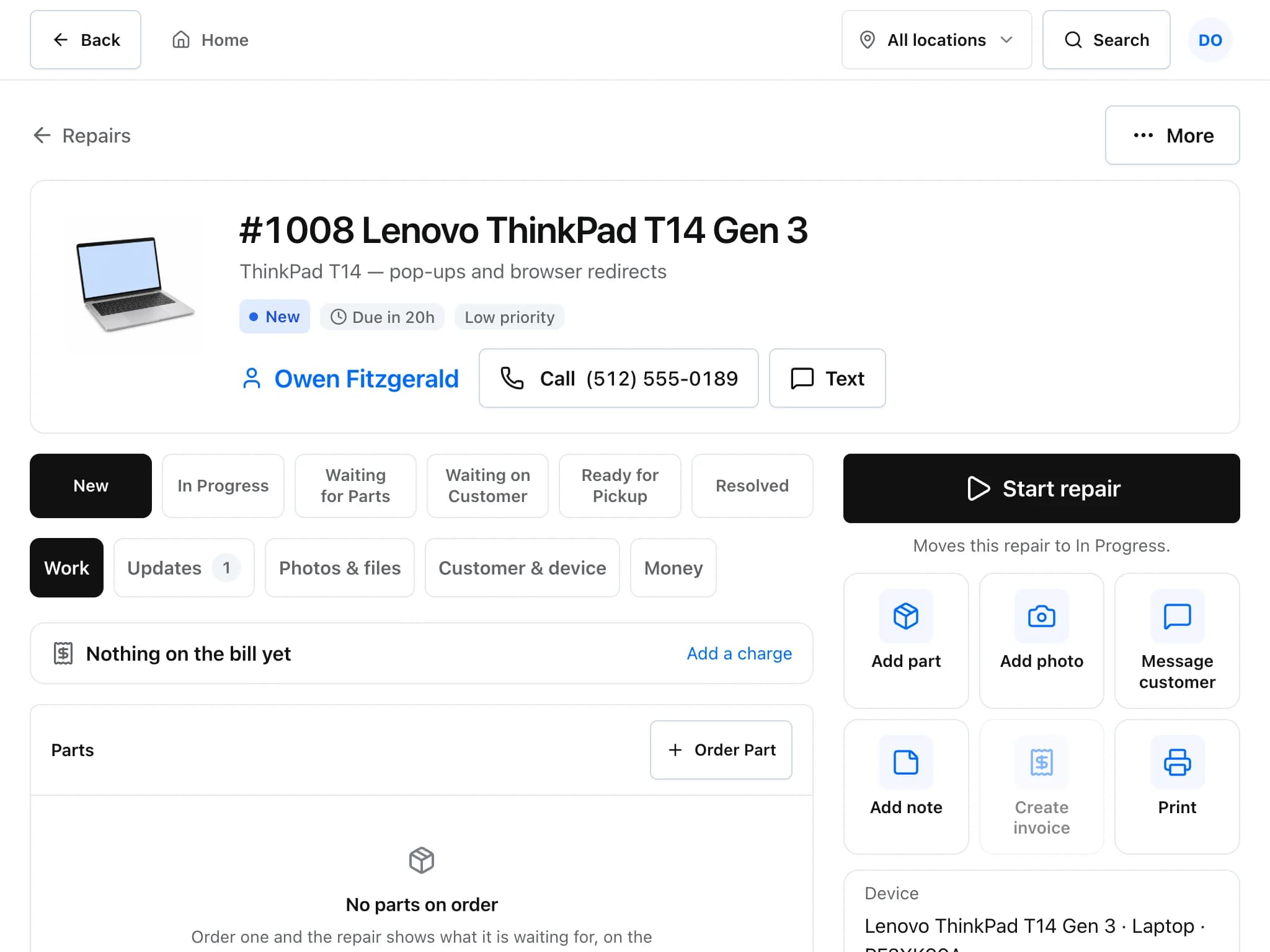
A console repair, the way it runs in Repairs helper
A typical port or drift repair, with the customer kept informed.
Check the console in
Tap Game console and pick the problem from your list (add your own, such as HDMI port or stick drift). Record make, model and serial, and photograph the condition before you open it.
Note what came with it
Write down controllers, cables and cases left with the console in the ticket notes, so what goes back at pickup matches what came in.
Quote and get the yes
Send an estimate. The customer approves from a private link with an optional signature, and the ticket moves on without a phone call.
Order the part and test
Order the port or stick module from the ticket with supplier, cost and expected date. Attach a test checklist and tick it off before the console goes back.
Invoice and sell the extras
Invoice the repair with warranty days on the part, and add a controller or cable to the same bill from the Sell screen.
Details that matter in a console shop
- Serial numbers on file
- Each customer's console is saved with make, model and serial, so a repeat visit or a warranty question starts from the device record.
- Refurbished units in stock
- Track refurbished consoles and controllers by serial number, note where each unit came from, and see which unit was sold on which invoice.
- Photos before you open it
- Add photos to the ticket to record scratches, missing screws or liquid damage before work starts.
- Warranty you can check
- Warranty days on a part or repair product are copied onto the invoice line and counted from the invoice date. Warranty repairs can be linked to the line they cover.
Common questions
Can I record the console's serial number?
Yes. Make, model and serial are saved on the customer's device record, so the console is already on file the next time it comes in.
Can I sell controllers and accessories with the repair?
Yes. Products and repair charges can sit on the same invoice or sale, and stock is updated for the products.
Can I charge a cleaning or diagnostic fee?
Yes. Add it as a line on the estimate or invoice, or set it up as a repair product with its own price.
Can customers check on their console without calling?
Yes. With a sender set up, customers get a sign-in link to their portal, where they can follow the repair, approve estimates and pay online when Stripe or Square is connected.
Read more about the features
- Repair ticketsCheck devices in, track every repair through its status steps, and see which jobs are late.
- InventoryKeep parts and accessories counted, track serial numbers, and order from vendors with purchase orders.
- PricingFree during early access, with no card required. What is included and what costs extra.
Set it up for your shop
Add your device types, problem list and products, then check in your next repair. Free during early access.
Free during early access · No credit card