Estimates and invoices
Repair estimates and invoices customers can approve and pay
Write an estimate on the ticket, send the customer a link, and get a yes or no with a signature. Approved work becomes an invoice without retyping a line.
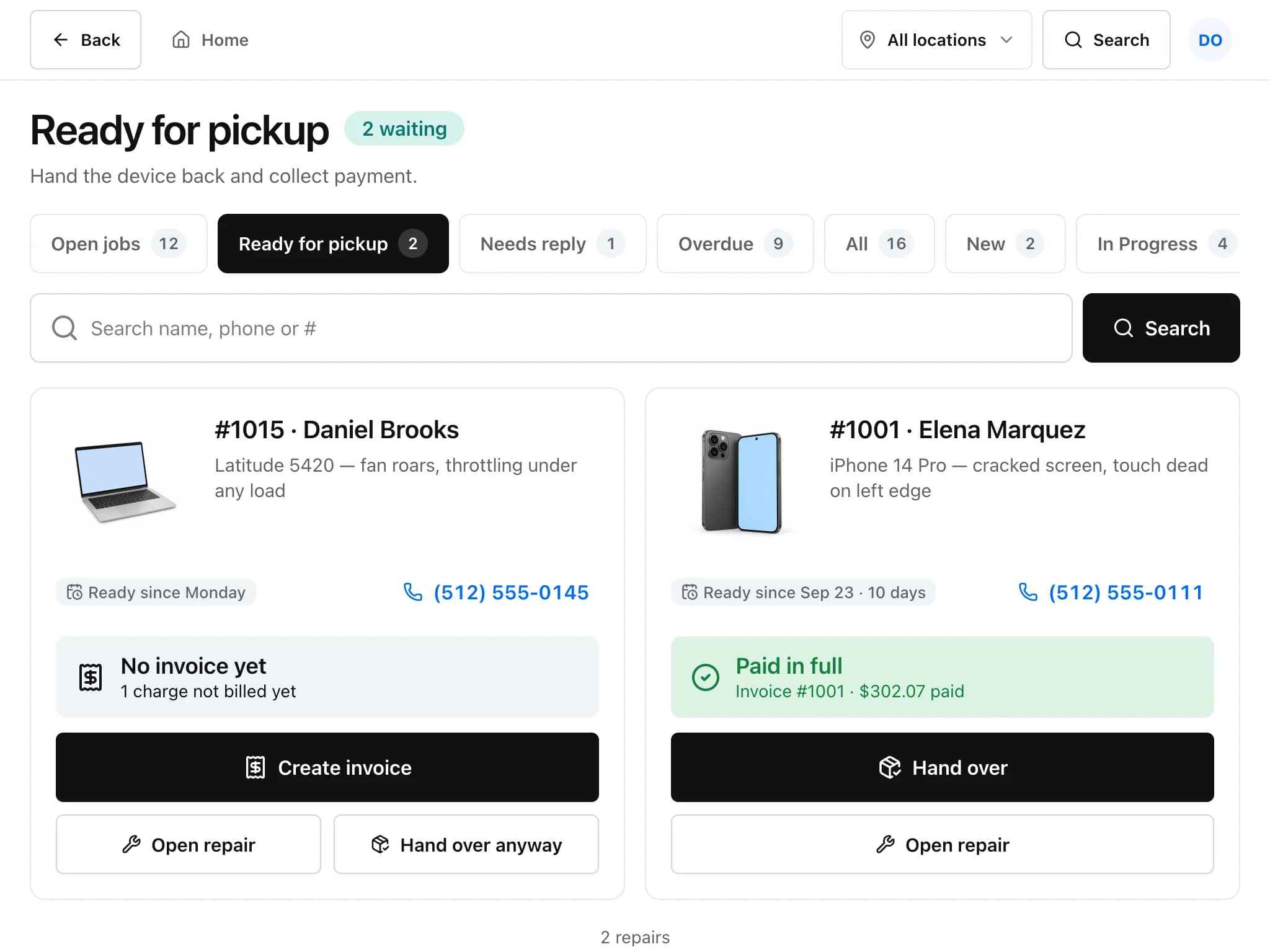
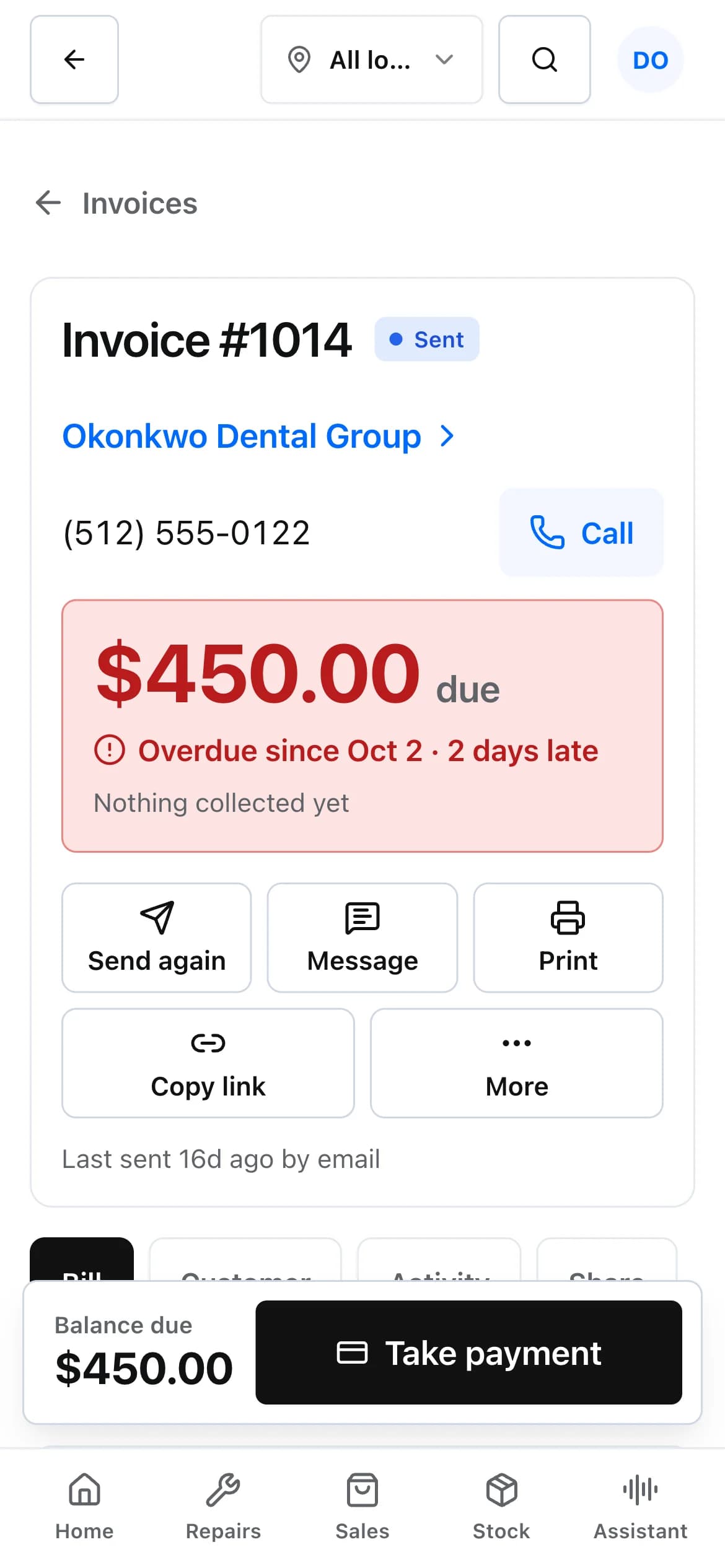
From quote to paid
Each step keeps a record, so you can see who approved what and when.
Write the estimate
Add parts from stock, labour and other charges, choose the tax rate and mark which lines are taxable. An estimate can carry an expiry date.
Send it for approval
The customer opens the estimate from a private link, reads the lines, and approves or declines. Approving asks for a confirmation and an optional signature.
Convert it to an invoice
An approved estimate converts into an invoice with the same lines. When you invoice from the ticket, deposits already taken are applied and billable time becomes labour lines.
Collect payment
Take payment at the counter, or send the invoice so the customer can pay online once Stripe or Square is connected.
Billing details that come up every week
- Invoice statuses
- Draft, sent, partly paid, paid and void. Owners can void an invoice; the record stays for your books.
- Recurring invoices
- Bill a customer on a schedule, for example a monthly service plan, from a recurring invoice template.
- Statements
- Print a customer statement showing invoices and what is still owed.
- Tax rates
- Set up the tax rates your shop charges, pick one per estimate or invoice and mark lines taxable or not. The rate is saved on the document, so changing it later does not rewrite old paperwork.
- Warranty on what you sell
- Products can carry warranty days. The number is copied onto each invoice line at the time of sale, and the clock starts on the invoice date.
- Accounting sync
- Sent and paid invoices, their customers, items and payments can be pushed to QuickBooks Online or Xero.
Estimates and invoices: common questions
Can customers approve an estimate without an account?
Yes. Each estimate has its own private link. The customer can approve or decline from it, with an optional signature, without a password.
Can I turn an estimate into an invoice?
Yes. An approved estimate converts into an invoice with the same lines. Invoicing from the ticket also applies any deposits taken on that repair.
Does it handle partial payments?
Yes. An invoice can take several payments by different methods. It shows as partly paid with the balance due until it is settled.
Will it sync with QuickBooks?
QuickBooks Online and Xero are supported. Customers, items, invoices that have been sent or paid, and payments are pushed to the connected company. Draft invoices are not pushed, and an invoice voided after syncing is voided there too.
Related features
- Repair ticketsCheck devices in, track every repair through its status steps, and see which jobs are late.
- Point of saleRing up accessories and repairs, take cash or card, and close the drawer against what the system expects.
- Customer portal and check-inLet customers check in, follow their repair, approve estimates and pay without calling the shop.
Try it on your own counter
Create a shop, add a test repair and see whether it fits how you work. It is free during early access.
Free during early access · No credit card